Bohemia Interactive ships DayZ updates that often coincide with BattlEye signature refreshes and memory layout changes. Third-party loaders built for yesterday’s client may crash on launch, read garbage values into ESP overlays, or match new detections before the provider publishes a fix.
Patch day is the highest-risk window for anyone running overlays, aim modules, or movement modifiers on official Chernarus or Livonia servers. This guide walks through a pause-first protocol, typical provider timelines, and the mistakes that burn fresh characters at NWAF with outdated builds.
Why patch days matter
Two changes usually land together when Steam updates DayZ:
- BattlEye signature updates — new patterns targeting known tool signatures
- Memory offset shifts — moved structures break ESP ranges, aim bones, speed hooks, and radar coordinates
Either outcome can lead to kicks, crashes, or enforcement. A loader that silently fails — ESP showing wrong floors at Tisy, aim tracking empty air — is worse than a clean crash because you play normally while the stack misbehaves.
Treat every Steam update notification as a pause event until the provider confirms support on /status and the delivery portal from /buy.
Patch-day protocol
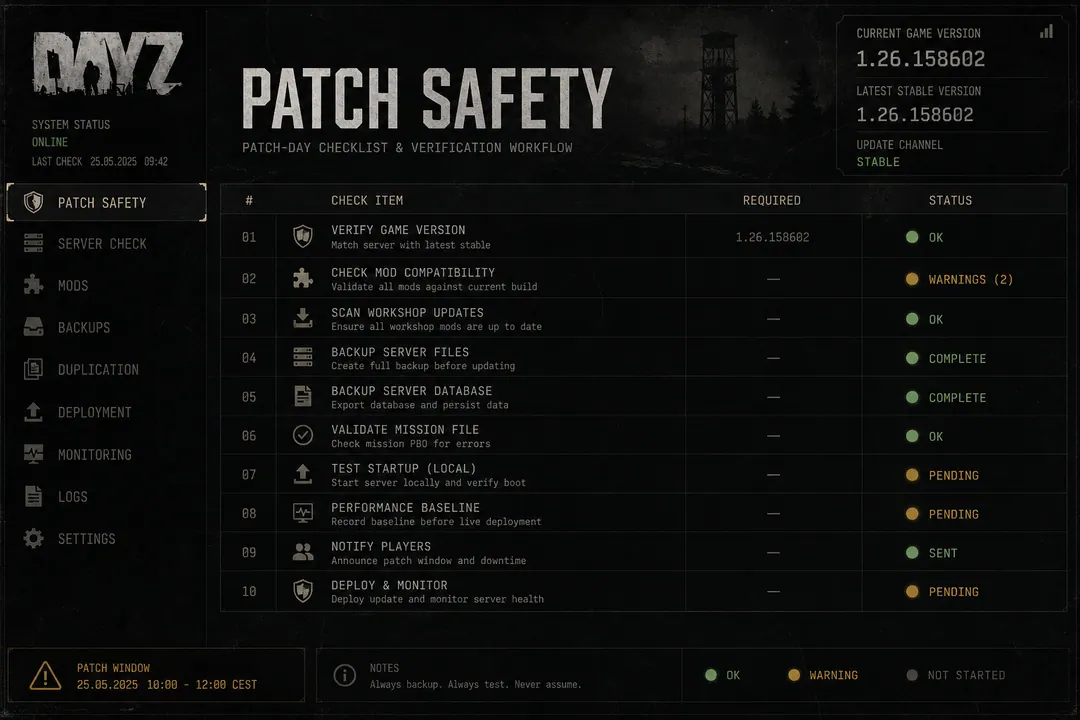
Follow this sequence every time Steam downloads a DayZ update:
- Do not launch the loader after the update finishes downloading
- Note your DayZ build number from Steam → Properties → Updates
- Open the delivery link and check for a new loader build
- Replace the old executable entirely — avoid keeping duplicate versions in the same folder
- Read provider status — some features may be marked offline during recalculation
- Match versions — provider changelog should reference the same DayZ build Steam shows
- Launch normally only when status shows green for your tier and build
DayZCheats.co mirrors high-level notices on /status. Authoritative timing always comes from the operator — not referral sites.
Timelines by patch size
Typical industry ranges — not promises:
| Patch type | Examples | Typical provider response |
|---|---|---|
| Hotfix | Crash fixes, small tweaks | Hours, sometimes same evening |
| Medium | Weapon tweaks, map fixes | Half a day for full parity |
| Major | Engine changes, seasonal updates | 24–48 hours for complete restoration |
Playing NWAF or Tisy on official servers with a partial update is a common mistake. ESP may show wrong floors. Aim tools may track incorrect bones. Radar may plot markers offset by hundreds of metres.
When in doubt, play vanilla for one session and monitor /status for an all-clear.
Partial update traps
Mixed states are worse than full downtime:
- ESP offline but aim live — users assume everything works
- Speed hooks active but loot reads fail — routing decisions based on stale data
- Radar plotting but Player ESP crashed — minimap intel without floor-level confirmation
If any feature shows offline on /status, treat the entire stack as unavailable until the provider confirms full restoration. Do not mix yesterday’s config with today’s half-patched build.
Habit stack beyond patch day
Combine patch discipline with ongoing habits:
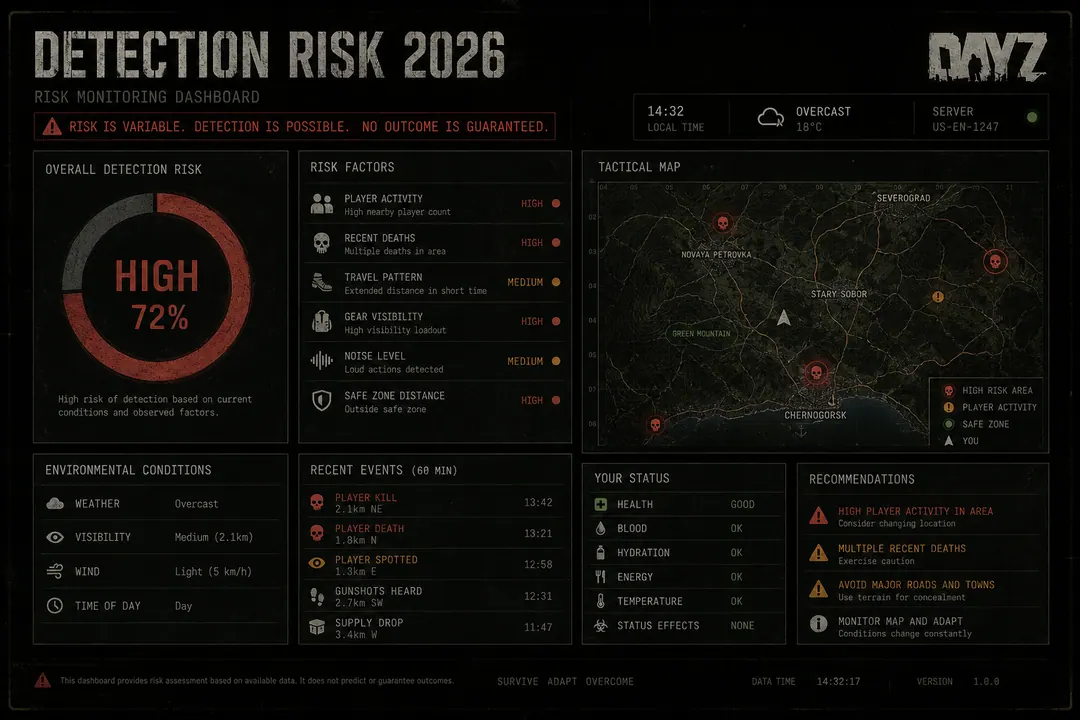
- Detection risk checklist — conservative speed and aim settings between patches
- BattlEye basics — understand what changed beyond memory offsets
- HWID context if hardware bans are a concern after prior enforcement
- Beginner setup order — new users should learn patch discipline before enabling combat modules
Subscribe to the provider’s status feed if offered. Some operators post “safe to launch” only after internal testing on both Chernarus and Livonia official hubs — not just one map.
Windows or GPU driver updates occasionally coincide with BattlEye changes. Recheck /status after major OS updates even when DayZ itself did not patch.
What to do during downtime
Patch waiting time is not wasted:
- Review feature tiers and plan config profiles for the next session
- Read Player ESP and Loot ESP guides if you are still learning overlay navigation
- Test configs on a community server once status shows green — before official peak hours
- Document your DayZ build number and loader version pairs that worked
Questions during downtime route through /support on the provider side — not the referral contact form.
FAQ
Should I delete the old loader before installing the new one? Yes. Duplicate versions in the same folder cause version mismatches that are hard to diagnose. Use a dedicated folder and replace entirely.
Can I play vanilla DayZ while waiting? Yes. Vanilla play carries no third-party tool risk. Your Steam account and hardware fingerprint remain unchanged.
How do I know if my ESP is reading wrong data? Markers on wrong floors, items floating in empty rooms, or distance tags jumping randomly after a patch — pause and wait for an update.