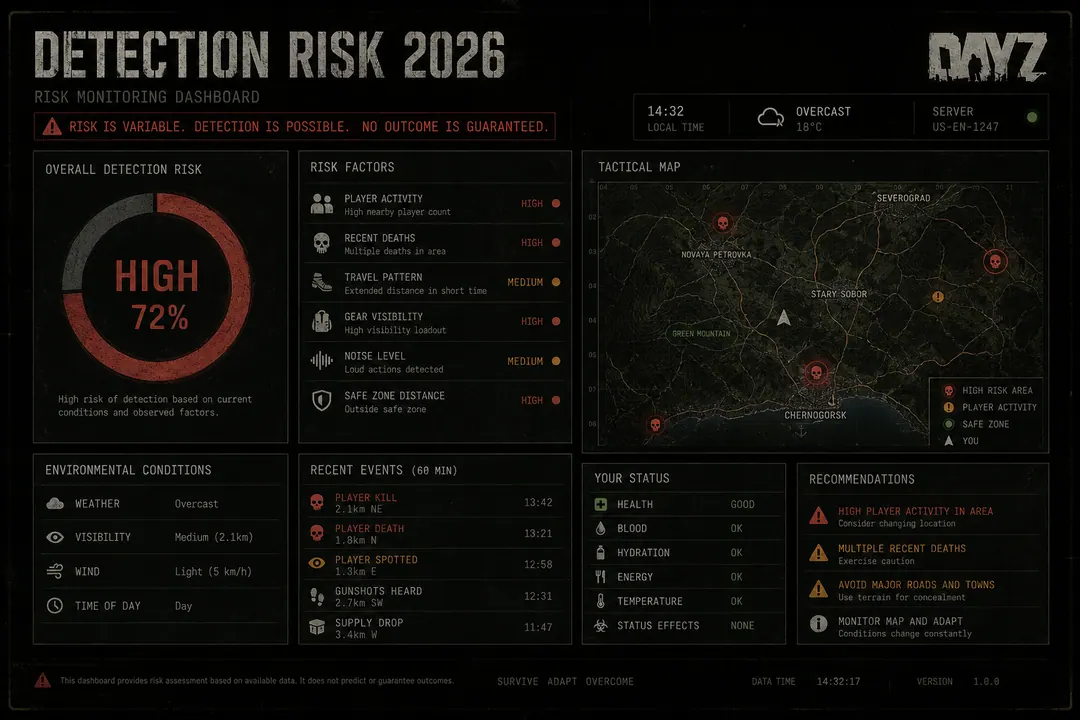
No third-party DayZ tool can promise permanent undetected status. Risk shifts with Bohemia patches, BattlEye signature updates, Windows driver changes, and how many survivors are online to report suspicious play at NWAF on a Saturday evening.
“Undetected” is a snapshot label — not a contract. What worked last week can fail after the next Steam update, the next BattlEye refresh, or the next clip posted in a 500-member Discord. This guide covers the ban paths that actually show up in 2026, a verification checklist before each session, and behavioral habits that reduce — not eliminate — exposure on official Chernarus and Livonia servers.
Common ban paths
Most enforcement stories trace to predictable causes:
- Outdated loader after a Steam update — signatures match before offsets are recalculated
- Obvious behavior — extreme speed, wall tracking, perfect long-range streaks
- Report volume — NWAF and Tisy fights get clipped and shared during peak hours
- Partial patch states — half the stack works, half reads garbage, user plays anyway
- Misconfiguration — every toggle enabled on day one at a high-pop official server
Internal injection tools face continuous in-process scans from BattlEye. External readers reduce some signatures but remain exposed to behavioral models, server-side physics checks, and manual review after video evidence.
2026 verification checklist
Before launching DayZ with any third-party tool:
- Confirm loader build version matches current DayZ client on the provider portal from /buy
- Read /status for feature-level outages — not just a green “online” banner
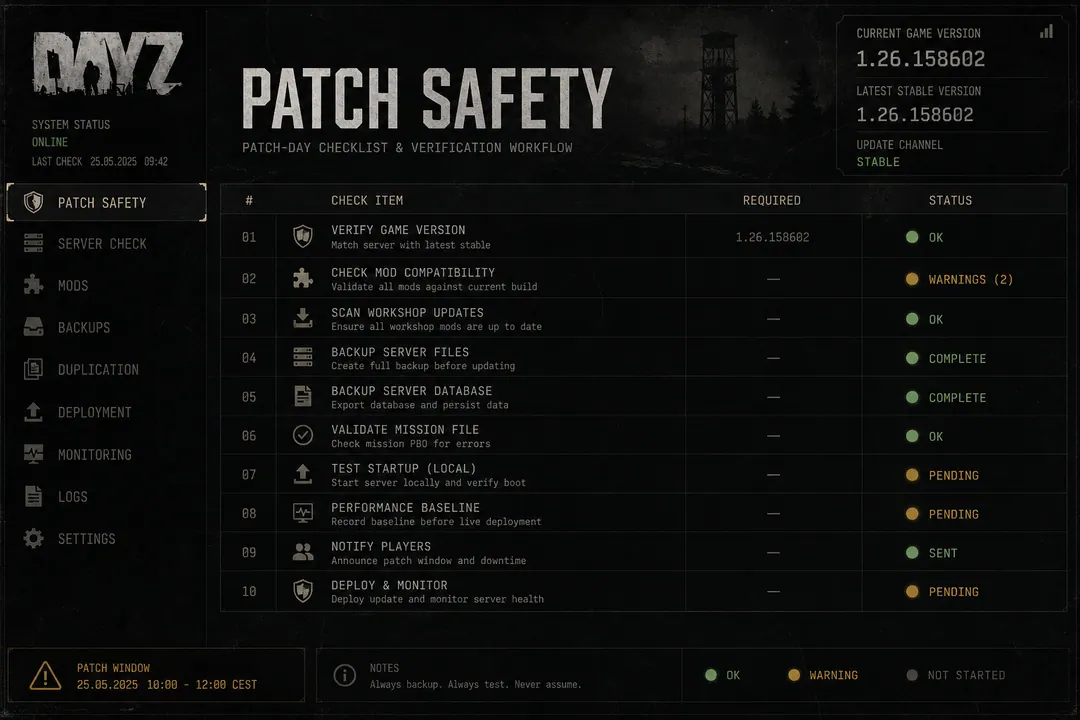
- Follow patch safety steps on patch weeks — pause until confirmed
- Review /features so enabled toggles match what the current build actually supports
- Check Windows and GPU drivers if BattlEye updated independently of DayZ
- Verify tier matches your needs — Xray for visual only, Private for full stack
Referral pages like DayZCheats.co cannot certify live safety. Only the operator running the loader can confirm current compatibility.
Behavioral discipline
Guidance repeated across operator docs — not guarantees:
Speed: Stay near plausible sprint bands on official servers. Save higher multipliers for isolated loot windows with no witnesses. Drop to 1.0× near any contact.
Aim: Use smooth aim-assist and visible-target-only rules. Instant head snaps through smoke at NWAF are report magnets regardless of BattlEye status.
ESP: Player ESP informs positioning — avoid staring through walls pre-fire. Pre-aiming concrete is both ineffective in vanilla DayZ and obvious in spectator clips.
Rotation: Vary routes across Chernarus coast and Livonia forests. Three hours of perfect information play draws more eyes than a short NWAF in-and-out.
Session length: Long sessions on official 1PP servers increase exposure. Mix vanilla looting segments with overlay-off periods if the provider supports hot toggling.
Session intensity by server type
| Server type | Recommended stack | Risk level |
|---|---|---|
| Official high-pop Chernarus | Player ESP only, muted colours | Highest scrutiny |
| Official Livonia evening | Player ESP + conservative loot filters | High |
| Community low-pop | Add loot ESP and radar after practice | Moderate |
| Private group server | Follow server charter — rules vary | Depends on admins |
Community PvE hubs tolerate more experimentation. Official 1PP Chernarus evenings demand minimal toggles and frequent /status checks.
HWID and long-term play
Hardware bans persist across new Steam accounts on the same machine. Some users research HWID spoofers after prior enforcement — a separate high-risk decision with driver implications.
If you are on clean hardware with no prior enforcement:
- Treat every session as carrying risk — not just the first launch
- Document which loader versions worked with which DayZ builds
- Avoid account churn patterns that flag IP reputation independently of HWID
DayZCheats.co does not operate anti-cheat or process ban appeals. Account issues route through /support on the provider side.
What “undetected” marketing actually means
When a provider labels a build “undetected,” they mean:
- No known mass ban wave linked to that build version at that moment
- Internal testing passed on selected server configurations
- Signature scans did not match during their QA window
It does not mean:
- Permanent safety across future patches
- Immunity from player reports
- Protection against behavioral server-side flags
- Coverage on every community server configuration
Treat “undetected last week” as historical data. Verify live status before every session.
FAQ
Can I reduce risk to zero? No. Any third-party tool that reads game memory or modifies gameplay carries account and hardware risk on official servers.
Is external safer than internal? Different detection surfaces, not safer overall. External avoids some injection signatures; internal avoids some overlay visibility. Both face BattlEye and server-side checks.
How often should I check status? Before every session, and again after any Steam update, Windows update, or provider notification.