A game ban blocks your Steam account from DayZ official servers. A hardware ban goes deeper — BattlEye ties enforcement to machine identifiers, so a new account on the same PC can still kick you at the lobby screen before you spawn on the Chernarus coast.
That distinction matters before researching HWID spoofer products. Spoofing attempts to alter what the anti-cheat reads when it fingerprints your system. It is not a substitute for patch discipline, believable play, or understanding how BattlEye works. This guide explains hardware bans in plain language and what spoofing can and cannot do.
What BattlEye fingerprints
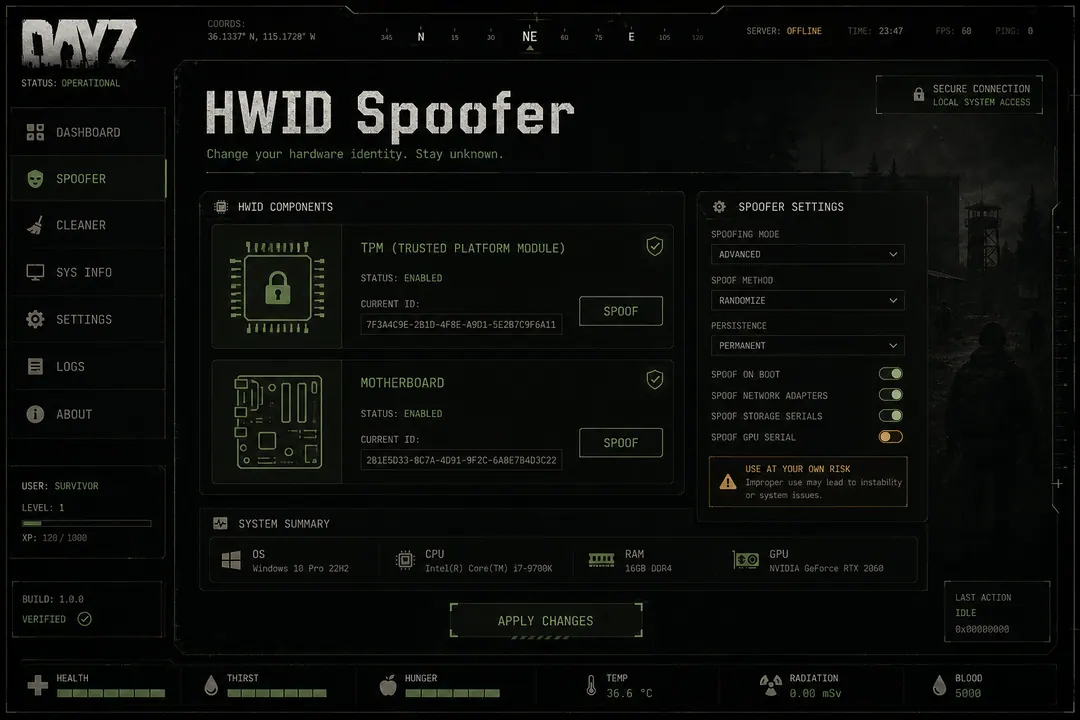
BattlEye combines multiple hardware signals into a hardware ID (HWID). Typical data points:
- Storage serials — SSD and NVMe identifiers
- Motherboard UUID — SMBIOS fields burned into firmware
- CPU and GPU device IDs — processor and graphics card signatures
- Network adapter MAC addresses — wired and wireless interfaces
- Windows installation GUIDs — OS-level identifiers
Reinstalling Windows on unchanged hardware often reports the same bundle. VPNs, new Steam accounts, and fresh email addresses do not reset those values. The Cloud DMA product addresses a different problem — Hyper-V infrastructure for protected sessions — and is not interchangeable with HWID spoofing.
Game ban vs hardware ban
| Ban type | What it blocks | Typical recovery |
|---|---|---|
| Game ban | Specific Steam account | New account (risky if behavior repeats) |
| Hardware ban | Machine fingerprint | Spoofer, hardware swap, or wait |
| Global BattlEye ban | Cross-game on BE-protected titles | Same as hardware — fingerprint level |
If you are unsure which ban type you received, check the kick message and provider support docs before buying spoofing tools. Some enforcement actions are account-only; others persist across every account on the machine.
How spoofers attempt to help
Kernel-level spoofers intercept driver queries and return altered serials before BattlEye reads them. The spoofer loads early — often before the game — and masks identifiers at the driver level.
User-mode registry edits alone are usually insufficient against kernel collection. Legitimate spoofing tools add driver attack surface to your system. Only install from verified provider channels and read security notes alongside /support.
The dedicated HWID Spoofer product ships from the provider portal linked at /buy. DayZCheats.co publishes educational content only — not the spoofer software itself.
When users research spoofers
Common motivations — each carries extra risk:
- Prior hardware ban on the same machine after official server enforcement
- High-visibility play on official Chernarus or Livonia hubs
- Separating identities between a main PC and an alt setup
Spoofing does not address obvious speed use on NWAF or perfect aim streaks that generate reports regardless of fingerprint state. Behavioral enforcement and manual review survive spoofing entirely.
What spoofing cannot do
Honest limitations:
- Manual review after video evidence from Tisy or Berezino fights
- Behavioral flags from impossible movement or hit patterns
- IP reputation or repeated account churn patterns
- Community server admin bans stored separately from BattlEye
- Patch-day crashes from outdated loaders — unrelated to HWID
If a ban already landed, research whether it was account-only or hardware-level before buying tools. Some users replace storage or NIC hardware instead — compare cost, warranty, and technical risk against software spoofers documented on the provider portal.
Spoofing vs playing clean
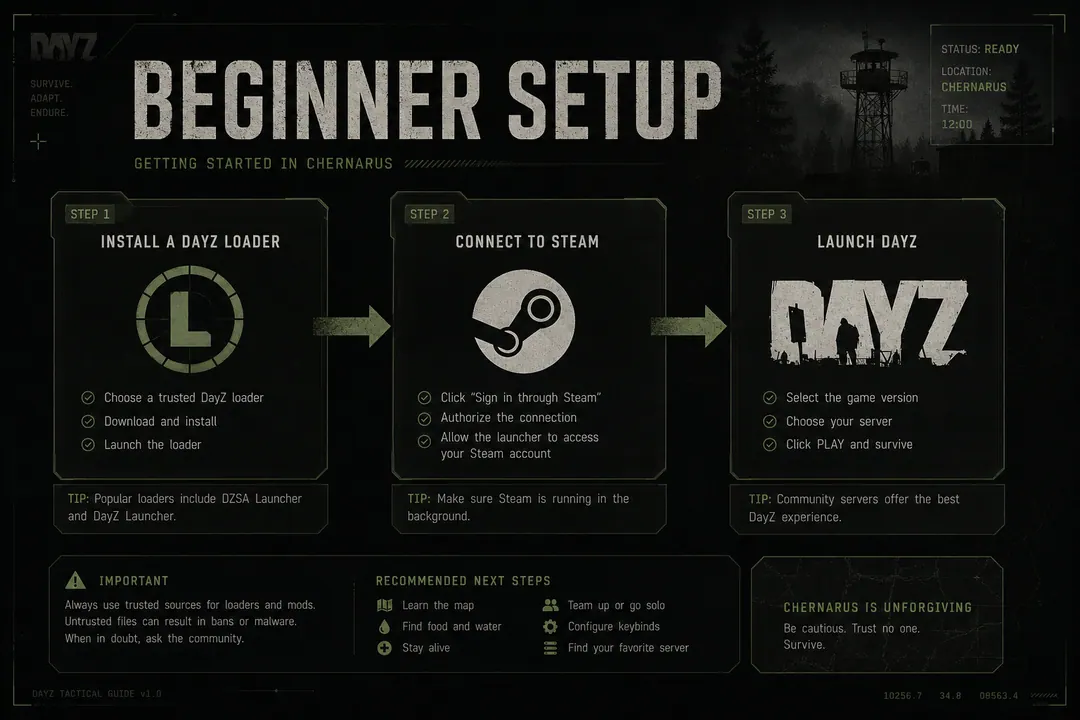
DayZCheats.co does not recommend spoofing as a default setup step. The beginner guide covers first-time loader setup without hardware masking. Spoofing belongs in advanced research after reading detection risk in 2026 and confirming you actually need it.
For users starting fresh on clean hardware:
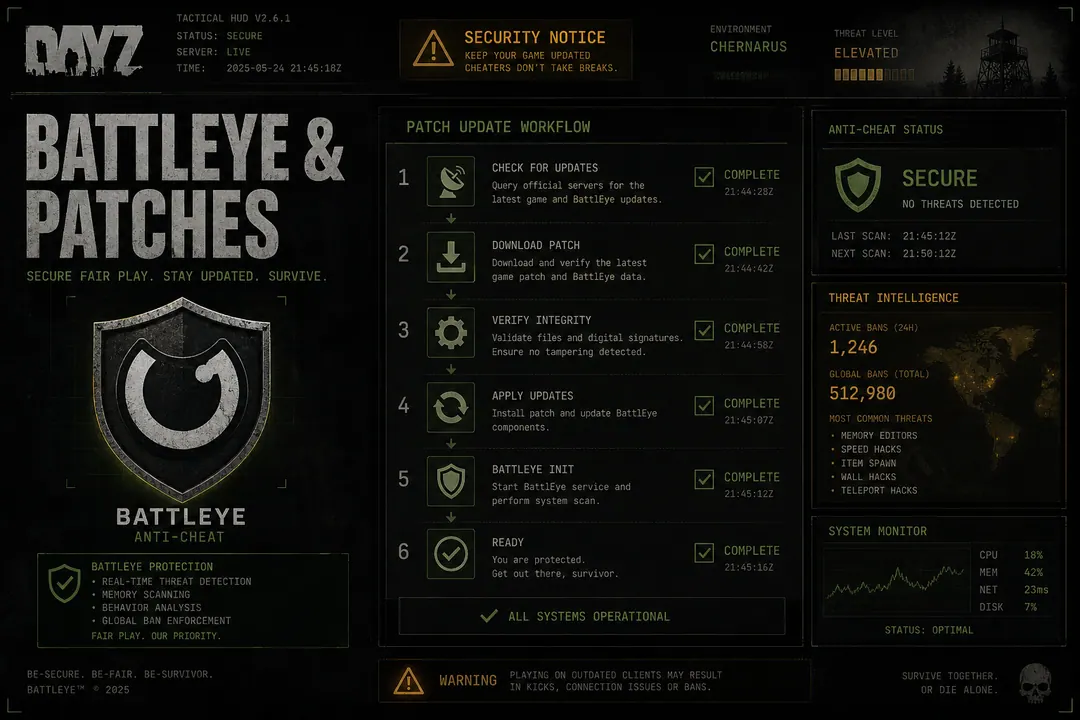
- Follow patch safety steps after every Bohemia update
- Keep ESP and aim settings conservative on official servers
- Verify /status before each session
- Avoid behavior that generates reports independent of fingerprints
FAQ
Does a VPN prevent HWID bans? No. Hardware fingerprints are collected locally, not from your IP address.
Will spoofing let me bypass a game ban on a clean machine? A game ban is account-specific. Spoofing addresses hardware-level enforcement on the machine that received the HWID ban — not account history tied to a Steam ID.
Is HWID spoofing included in cheat tiers? Spoofing is a separate product, not bundled in Xray, Pro, or Private cheat tiers. Compare on /products.