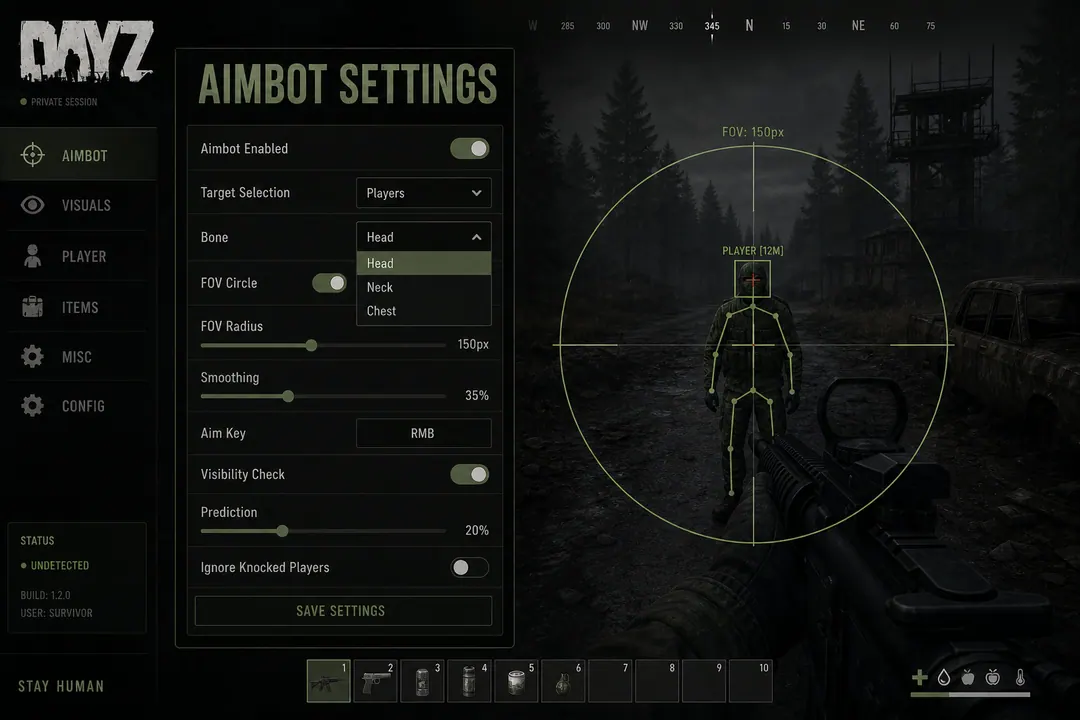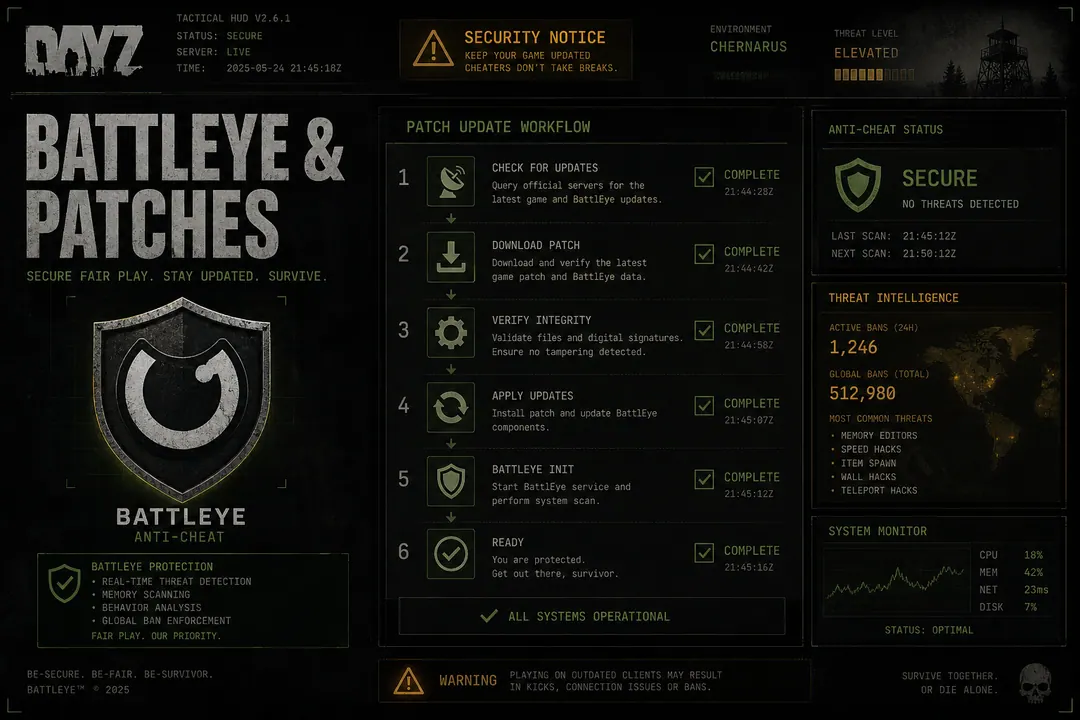
BattlEye protects DayZ on official servers and most community hubs. If you run third-party overlays, aim modules, or movement modifiers, BattlEye is one layer in a stack that also includes server-side physics validation, player reports, and long-term hardware fingerprint logging.
Understanding what each layer actually checks helps you interpret provider marketing without treating any architecture as invisible. No tool removes risk — this guide explains the detection surfaces so you can make informed decisions before launching on Chernarus or Livonia official servers.
What BattlEye does locally
The anti-cheat installs a kernel-mode driver that monitors the DayZ process while the game runs:
- Module and memory scans — searches for injected code, hooks, and known cheat signatures
- Integrity checks — validates game code regions at runtime for tampering
- Hardware fingerprint collection — stores machine identifiers when enforcement actions occur
- Process enumeration — watches for suspicious sibling processes and drivers
Public documentation never lists every signature. Assumptions based on last month’s “safe” label fail after the next Bohemia push — treat every Steam update as a reset event. Follow the patch safety guide before assuming your loader still matches current BattlEye data.
Server-side and network validation
Game servers validate movement, fire rate, and physics plausibility independent of client-side scans. Examples that draw flags on official hubs:
- Crossing from Cherno to NWAF in implausible time even with speed modifiers
- Hit patterns that ignore recoil models described in the no recoil guide
- Aim snaps inconsistent with input telemetry
- Sustained perfect connection rates at ranges where weapon sway should matter
Reports from survivors at Livonia bunkers or Tisy still trigger manual review independent of whether BattlEye flagged anything on the client. Evening peak hours on Chernarus official servers increase report volume after contested NWAF fights — behavioral scrutiny rises with population.
External vs internal architecture
Internal tools inject into the DayZ process. They operate inside BattlEye’s primary scan surface — hooks, memory writes, and code caves are directly visible to kernel monitoring.
External tools read memory from outside the process and draw overlays on separate windows. That avoids some injection signatures but does not bypass:
- Behavioral scoring from server logs
- Screenshot or spectator review on community servers
- Post-patch detection windows when signatures update before offsets are recalculated
- Player reports from obvious wall tracking or impossible movement
Neither approach is risk-free. Claims like “kernel invisible” or “undetected architecture” belong in marketing copy, not safety planning. Community servers may layer additional admin tools; official Chernarus and Livonia hubs remain the strictest baseline.
HWID logging and long-term enforcement
When BattlEye issues a hardware ban, identifiers persist across new Steam accounts on the same machine. Typical fingerprint sources:
- Storage serials (SSD/NVMe)
- Motherboard UUID and SMBIOS fields
- CPU and GPU device IDs
- Network adapter MAC addresses
Reinstalling Windows on unchanged hardware often reports the same bundle. VPNs and fresh Steam accounts do not reset those values. Read the HWID spoofer overview for educational context — spoofing adds driver attack surface and does not address behavioral or report-based enforcement.
What changes after Bohemia patches
Two updates usually land together:
- BattlEye signature refresh — new patterns targeting known tools
- Memory offset shifts — moved structures break ESP ranges, aim bones, and speed hooks
Running an outdated loader against new signatures is a frequent ban path. Check /status and wait for provider confirmation before launching after Steam updates.
Partial updates are worse than full downtime — ESP offline but aim live leads users to assume everything works when half the stack reads garbage values.
Practical habits that reduce exposure
Not guarantees — risk reduction only:
- Verify build version matches current DayZ client before every session
- Read /status for feature-level outages
- Keep speed and aim settings within believable play
- Use Player ESP for positioning, not pre-fire through walls
- Vary routes across coastal and inland spawns
- Pause entirely on patch days until the provider confirms support
On Livonia, bunker audio masks gunshots — server logs still correlate hit data. Treat BattlEye as one layer in a stack, not the only layer.
FAQ
Does BattlEye scan outside the DayZ process? The kernel driver monitors system-wide for known cheat drivers and suspicious processes. External overlays still operate in an environment BattlEye watches.
Can VPNs prevent BattlEye bans? No. Hardware fingerprints and account history persist independently of IP address.
Do community servers have less BattlEye? Most run BattlEye with additional admin tools. Some private servers disable anti-cheat entirely — read server rules before enabling anything.