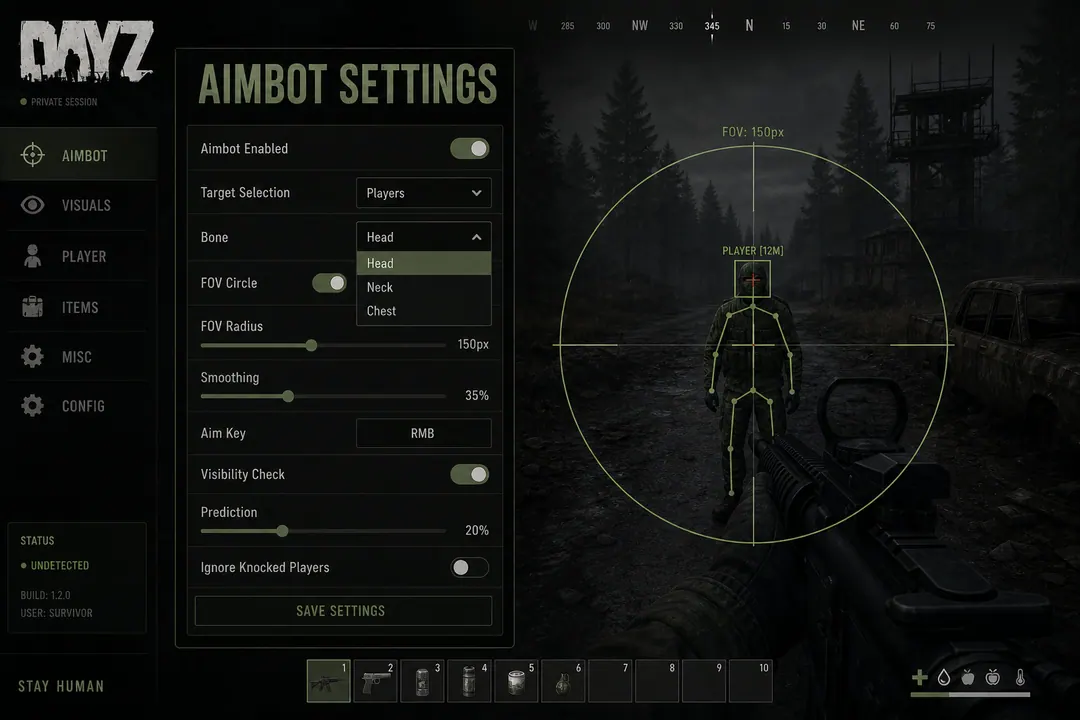
Aim-assist tools track survivor model bones — head, chest, neck — and move your crosshair toward a selected point. In vanilla DayZ, landing a moving headshot at 150m with iron sights takes practice. Aim modules reduce that gap by handling micro-adjustments while you still decide when to shoot.
The Pro tier adds configurable targeting, FOV limits, and smoothness controls. Private expands to full aimbot with trigger options and stream-safe modes. Nothing here eliminates BattlEye risk or survivor reports — instant head snaps through smoke at NWAF get clipped and shared regardless of what any provider claims.
This guide walks through bone selection, FOV tuning by range, and smoothness settings for real DayZ scenarios on official servers.
Bone selection by weapon and range
Different bones suit different weapons and engagement distances:
| Bone | Best for | Tradeoff |
|---|---|---|
| Head | Bolt-actions, DMR at 150m+ | Smallest hitbox, obvious if snapping |
| Chest | AKM and M4-A1 CQB | Larger target, lower multiplier |
| Neck | SVD, Winchester follow-ups | Middle ground for one-shot placement |
Head targeting maximizes damage multipliers but shrinks the effective hitbox — especially past 150m with iron sights or a 4x PU scope. On official servers, instant head snaps through doorframes are a common report trigger.
Chest targeting is the default for automatic rifles in Berezino apartments and factory clears. The hitbox is forgiving at 15–40m where most CQB happens.
Neck targeting fits SVD and CR-527 lanes at NWAF where one deliberate shot matters more than tracking speed.
Enable visible-target-only rules where the provider supports them. Locking through concrete is ineffective in-game and obvious to anyone spectating a firefight.
FOV radius by engagement distance
FOV limits how far from your crosshair tracking activates. Tighter FOV demands manual pre-aim; wider FOV forgives offset but looks less natural in kill clips.
Rough starting bands for official Chernarus:
- Under 25m (Berezino apartments, factory halls): 25–40°
- 25–150m (Stary Sobor streets, Zelenogorsk): 15–25°
- 150m+ (NWAF fields, Tisy treeline): 5–15°
Livonia bunker stairs need the tightest FOV — vertical angles and short sightlines punish wide tracking cones. Restrict assist to on-screen targets only in underground corridors.
Smoothness and human-like movement
Smoothness slows aim movement toward the target. Higher values look more like natural mouse correction; lower values react faster but stand out when someone reviews footage.
Conservative starting points:
- CQB (SKS, shotguns): smoothness 60–80%, FOV 30°
- Mid-range (AKM, M4-A1): smoothness 70–90%, FOV 20°
- Long-range (SVD, Mosin, CR-527): smoothness 85–95%, FOV 8–12°
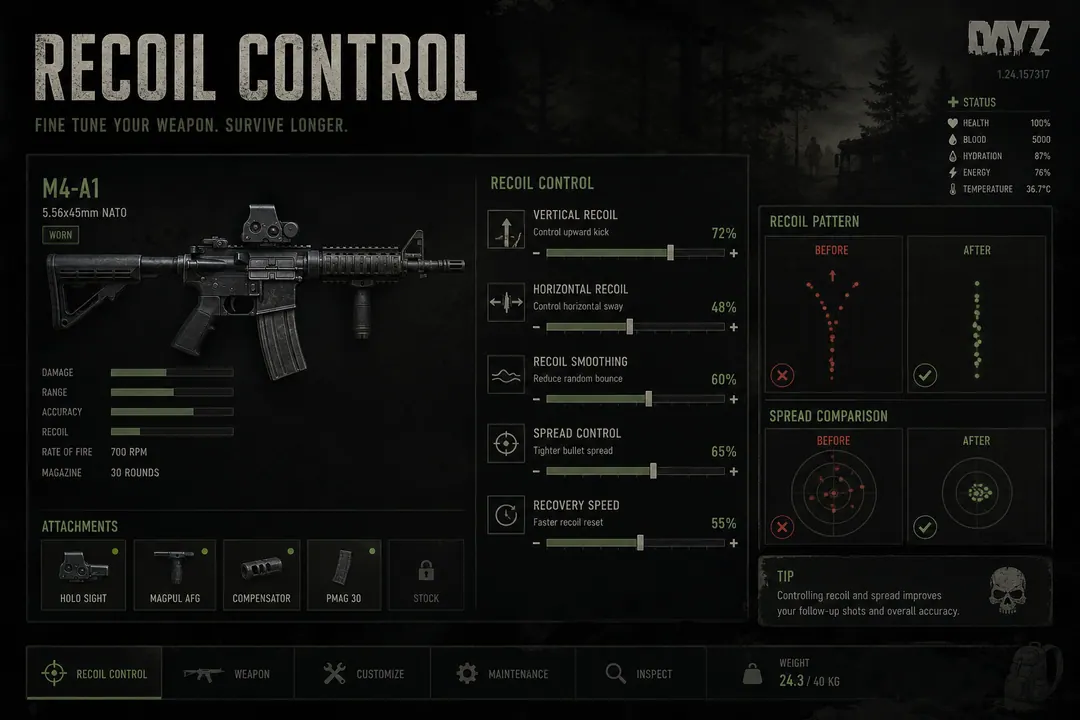
Pairing aggressive aim with no-recoil modifiers raises accuracy but also makes sustained perfect bursts easier to notice. Many users keep recoil control off until aim settings feel natural.
Scenario: Berezino multi-story CQB
Close corners favor chest targeting with moderate smoothness. You are tracking through doorframes, not flicking 90° to heads behind walls.
Workflow:
- Use Player ESP to know which floor holds the threat.
- Pre-aim the stairwell or door angle manually.
- Enable aim assist only when the target crosses your sight line.
- Disable assist during looting — idle tracking is report bait.
Scenario: NWAF bolt-action lanes
Neck or chest at low FOV matches the pace of Mosin and CR-527 fights across open grass. You are not tracking sprinting targets — you are placing one shot when someone exposes at 200m.
Pre-aim with Player ESP from the treeline. Let them adjust position. Fire when your crosshair is already near the marker — assist handles the last centimetres, not a 180° snap from idle.
Scenario: Livonia bunker stairs
Tight vertical angles, short sightlines, concrete everywhere. Restrict aim-assist to visible targets. Locking through floors does not work in vanilla DayZ physics and reads as blatant in any clip.
Keep FOV under 15° and smoothness above 85%. Disable assist entirely when clearing infected-only rooms — recoil matters less against zombies and combat modules draw attention you do not need.
Weapon profiles worth saving
Separate profiles per weapon class prevent loadout swaps from leaving yesterday’s CQB config active in open fields:
- SKS / Winchester: low FOV, high smoothness, neck bone
- M4-A1 / AKM: wider FOV indoors, tighter past 100m, chest bone
- SVD / VSS: lowest FOV, highest smoothness, neck or chest
Save profiles in the provider menu after testing on a low-pop community server before taking configs to official NWAF evenings.
Detection context
Server-side logs correlate hit patterns with input telemetry. Aim that ignores recoil models, connects at impossible rates at range, or tracks through smoke triggers flags independent of client-side BattlEye scans.
Check /status when aim features are temporarily offline after patches. Follow the patch safety guide — partial updates sometimes leave aim live while ESP is broken, which is worse than pausing entirely.
FAQ
Does aim-assist work on infected? Most builds target survivor bones only. Some Private configs include infected targeting — verify on /features before enabling.
Should I use aim-assist on my first session? No. The beginner guide recommends Player ESP only for the first several sessions. Add aim modules after overlay navigation feels natural.
Can I use aim-assist with a controller? Most DayZ tool menus assume mouse input. Check provider requirements on /support for your setup.