First-time setup for DayZ third-party tools involves three separate problems: picking the right tier, getting the loader running without tripping Windows Defender, and learning overlay menus before you join a high-pop official server with every toggle enabled.
This guide walks through purchase delivery, launch order, a conservative first-session config, and a multi-week feature progression. Start at /buy for current pricing — this page covers the workflow, not the checkout itself.
Step 1: Choose a tier
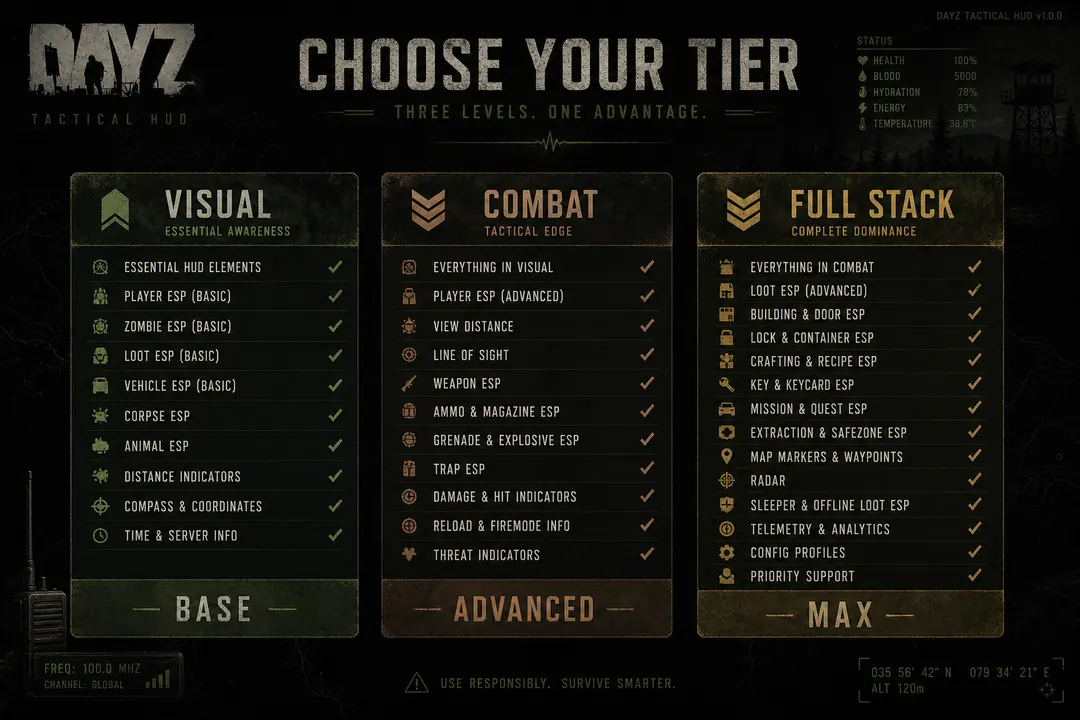
Three cheat tiers cover different play styles on Chernarus and Livonia:
| Tier | Best for | Key modules |
|---|---|---|
| Xray | Visual reads only | Player ESP, loot filters, skeleton outlines |
| Pro | Visual + combat | Xray features plus aim assist, recoil control |
| Private | Full stack | Pro plus radar, infected ESP, stream-safe options |
Start with Xray if you want situational awareness without combat automation. Most beginners benefit from learning Player ESP and Loot ESP before touching aim modules.
Choose Pro if you already understand overlay navigation and want aim-assist with recoil controls.
Choose Private if you need 2D radar, infected ESP, and the complete feature set. Do not buy Private on day one and enable everything at once — the complexity causes misconfiguration bans more often than detection signatures.
Utility products (HWID Spoofer, Cloud DMA, UGC recovery, Skin Changer) are separate from cheat tiers. New users on clean hardware rarely need spoofing — read the HWID guide before considering it.
Step 2: Purchase and delivery
Select a subscription on the external checkout page linked from /buy. After payment:
- Save the delivery email with your loader download link
- Store the provider portal URL for updates and support tickets
- Note your tier and billing period — lifetime vs monthly affects update access
Account-specific issues go through /support on the provider side, not the referral contact form on this site.
Step 3: Download and install
Download the latest package from the delivery link into a dedicated folder — not Downloads mixed with random executables.
Windows Defender often flags game-memory tools as potentially unwanted software. Users typically:
- Whitelist the dedicated folder per provider instructions
- Verify file hashes if the portal publishes SHA values
- Avoid running loaders from zip files without extracting first
Check hardware requirements before installing:
- Windows 10 or 11 (64-bit)
- Current Steam DayZ client
- Modern quad-core CPU, 8 GB RAM minimum (16 GB recommended)
- Secure Boot, TPM, and HVCI per provider requirements
Full requirements appear on each cheat detail page.
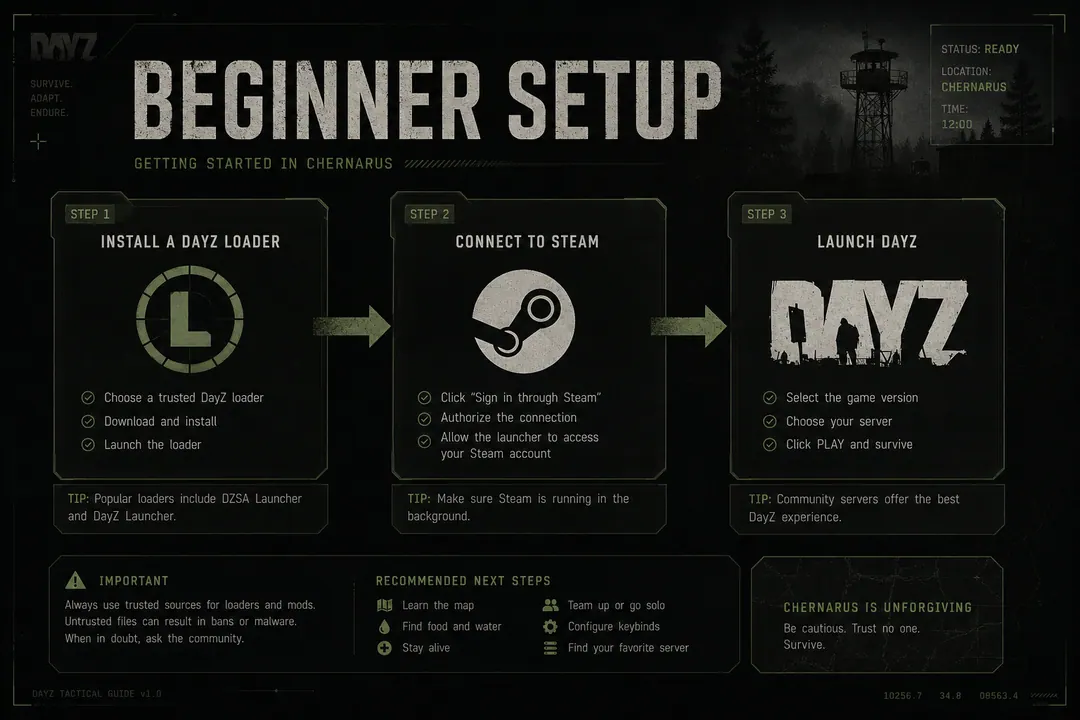
Step 4: Launch order
Most loaders initialize before DayZ starts:
- Open Steam — do not launch DayZ yet
- Run the loader as administrator if the provider requires it
- Wait until the loader reports ready (version should match current DayZ build)
- Launch DayZ from Steam and join a server
Exact steps vary by provider — follow their PDF or video guide linked from the delivery portal. If the loader crashes on launch, check /status for patch-day downtime before troubleshooting further.
Step 5: First in-game settings
A conservative first session on a low-pop community server — not official NWAF peak hours:
- Enable Player ESP only — ~300m range, muted colours
- Skip speed modifiers, radar, and Loot ESP initially
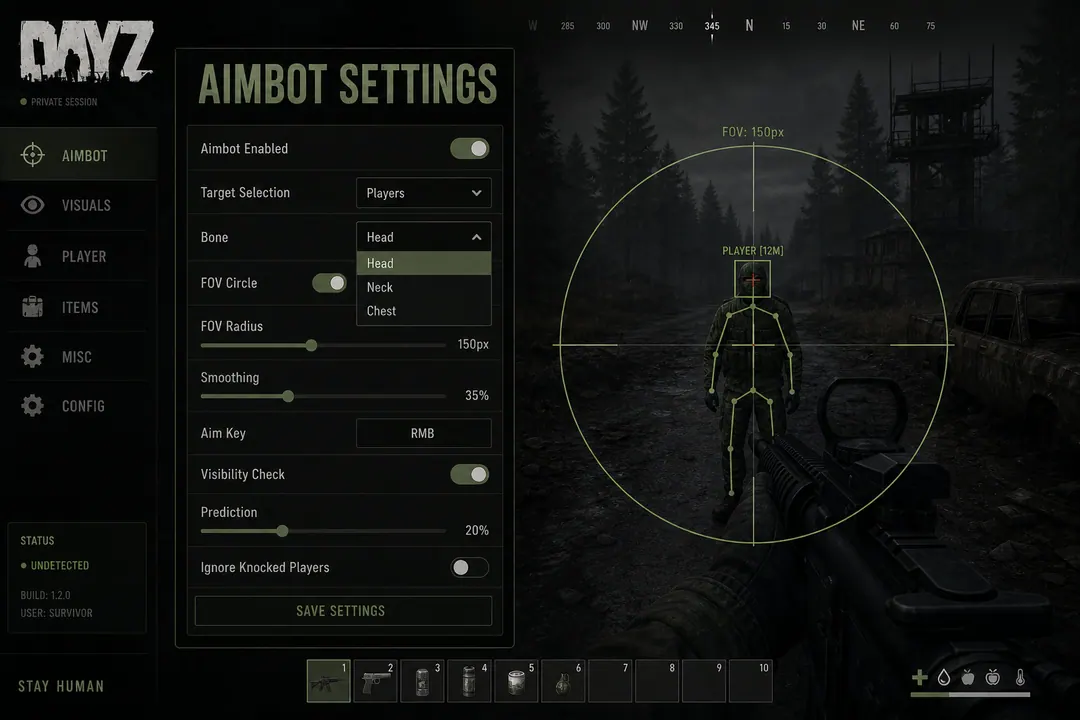
- Leave aim-assist and recoil control off entirely
- Practice reading markers during coastal looting in Elektro or Kamyshovo
Review the full /features list before enabling additional toggles. The goal of session one is learning the overlay menu — not winning fights.
Feature progression over multiple sessions
Suggested order across your first two weeks:
Sessions 1–5: Player ESP only. Coastal looting, learn Chernarus south coast geography, practice disengaging when markers multiply.
Sessions 5–10: Add Loot ESP for inland military pushes toward Zelenogorsk or NWAF. Keep combat modules off.
Sessions 10+: Optional radar and moderate aim settings on Pro or Private if your risk tolerance allows. Test on community servers before official hubs.
Between sessions, rotate play style — alternate coastal spawns with inland Livonia runs so behavior does not look identical every login.
Step 6: Patch discipline from day one
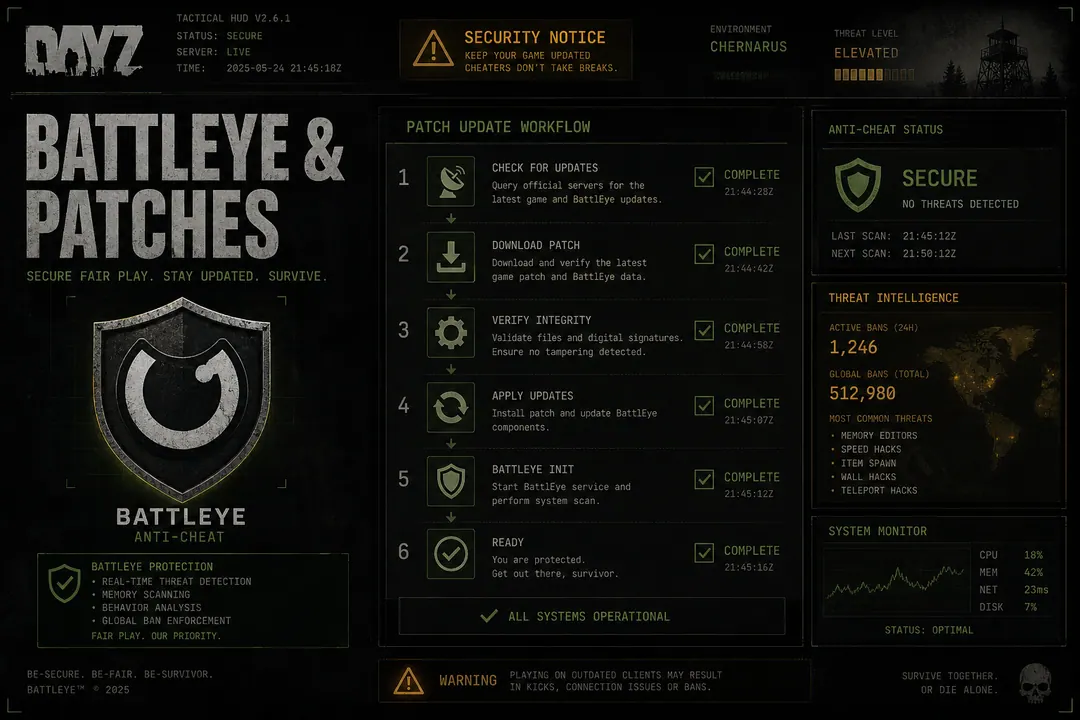
After every Bohemia update:
- Check /status before launching
- Read the patch safety guide
- Replace the loader entirely when a new build publishes
- Do not assume yesterday’s config works on today’s client
First-week mistakes that cause bans:
- Enabling every /features toggle in one raid
- Skipping /status after a Wednesday Bohemia hotfix
- Joining high-pop NWAF with bright ESP colours and combat modules on session one
- Running an outdated loader because “it still launched”
All fixable with patience and the habit of verifying before every session.
FAQ
Should I use official servers for my first session? Start on a low-pop community server. Official Chernarus evenings have high report volume and experienced players who notice unusual behavior quickly.
What if Windows Defender quarantines the loader? Follow provider whitelisting instructions. Do not disable Defender entirely — whitelist the specific folder instead.
Can I switch tiers later? Check provider upgrade policies on /buy. Most operators offer tier changes through the portal.